
Route ownership
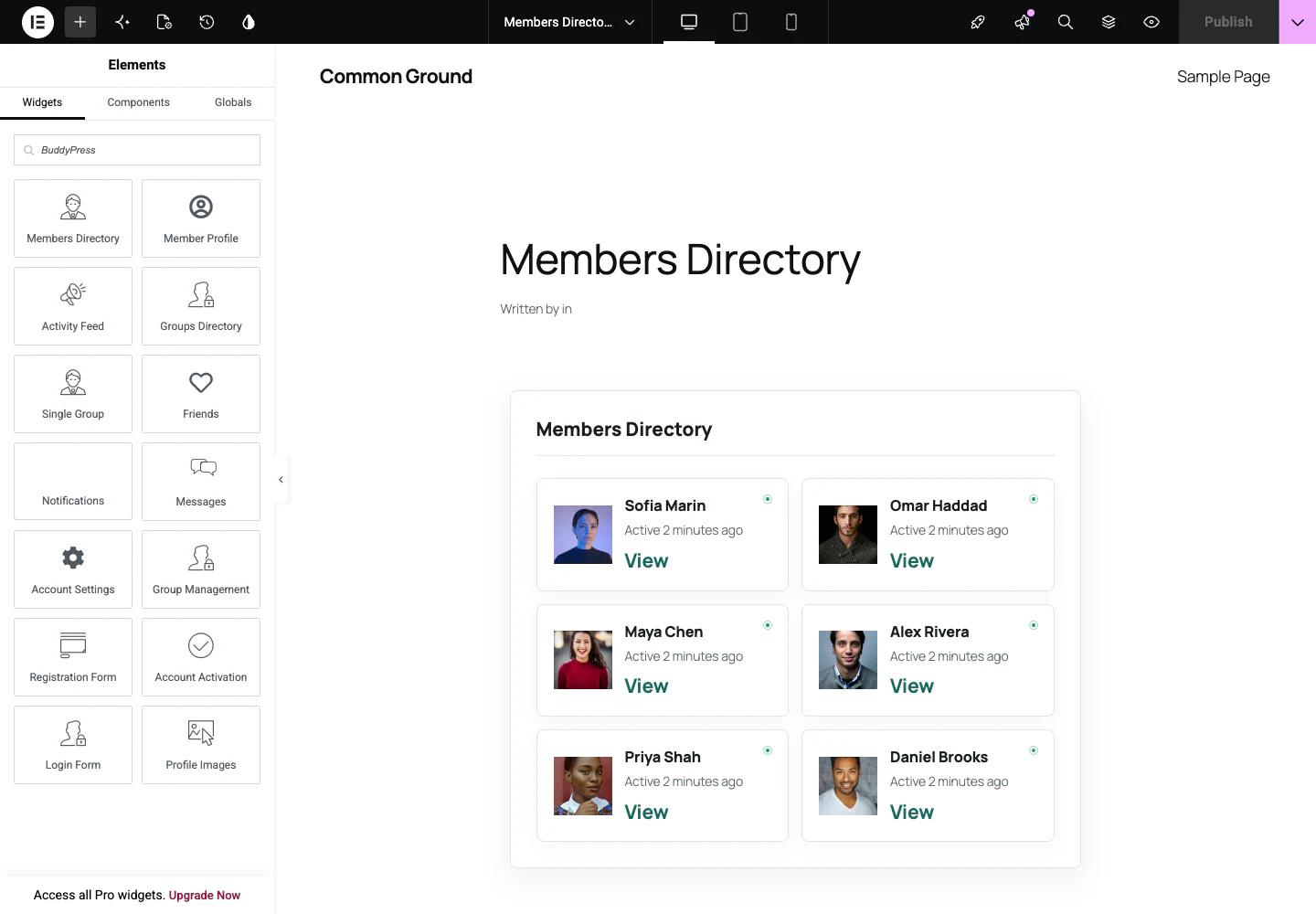
A route mapping tells BP Builder Addons which published builder template should render a BuddyPress context. The context resolver supplies the current member, group, activity, or account state to every component inside that template.
Mapping workflow
- Create and publish a BP Builder Addons template.
- Add the components needed by that route.
- Open BP Builder Addons → Route Mappings.
- Assign the template to the matching directory, member, group, or account route.
- Open the canonical BuddyPress URL and verify context-sensitive output.
Portable mappings
Configuration export stores template slugs rather than database IDs. Imports resolve those slugs on the destination site and report missing templates instead of silently mapping the wrong page.