
What the plugin changes
BP Builder Addons is a presentation and workflow layer. BuddyPress or BuddyBoss remains the source of truth for members, activity, groups, messages, notifications, and extended profiles. The plugin makes those capabilities available as independent builder components and adds policy-driven community workflows.
Use the visual Global Design System for shared tokens, Component Availability for product-wide switches, and the 369-control Community Engine for behavior. Override presentation on an individual component only when a page needs to differ from the site-wide system.
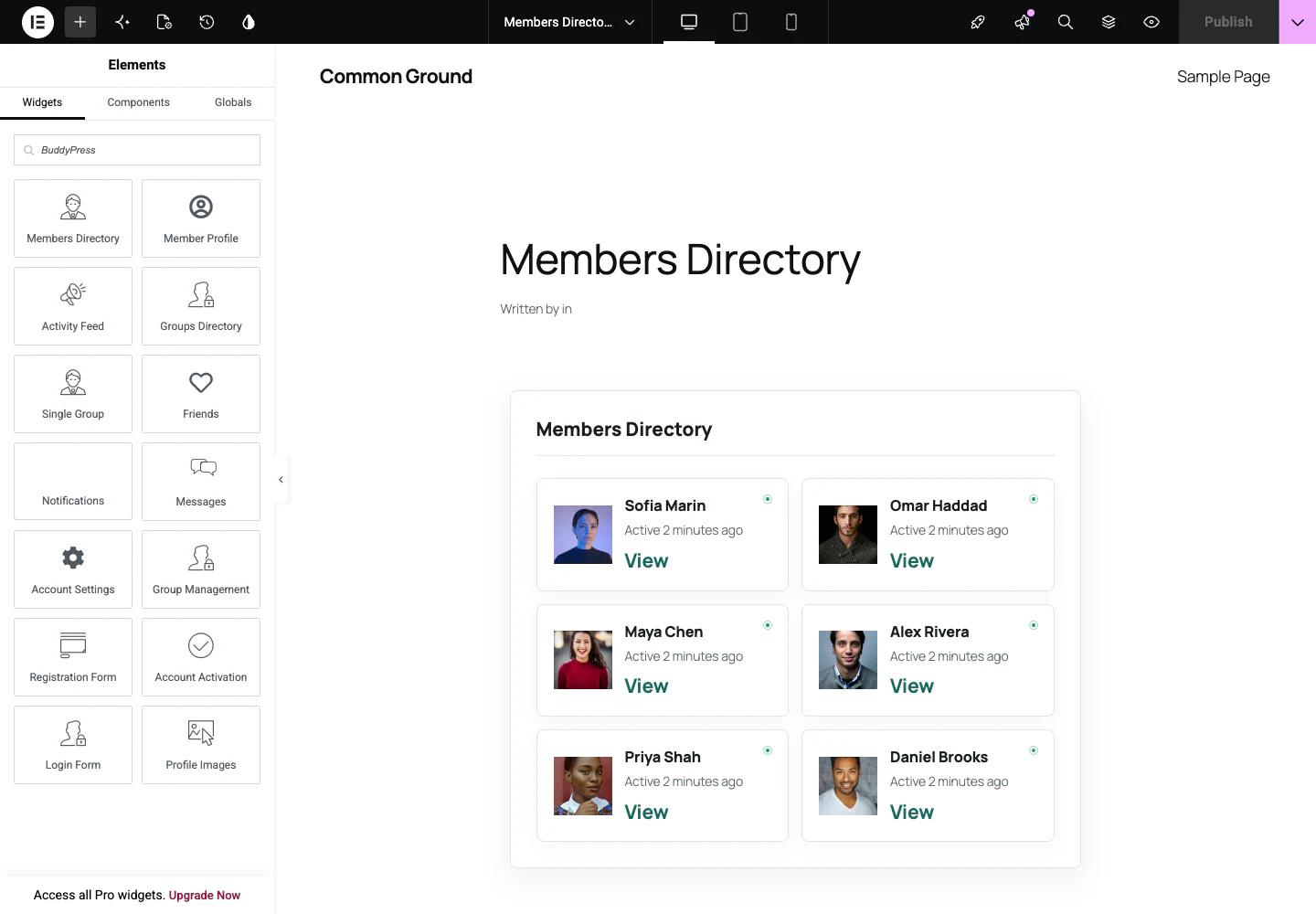
- 94 native components across Elementor, Gutenberg, Divi, and shortcodes
- 25 design presets including Custom
- Eight goal-based community blueprints
- Visual studios for conversations, engagement, fields, discovery, reactions, member types, group types, and notifications
- Portable JSON configuration without secrets or member data
Recommended setup order
Start with the operating model, then compose pages. This avoids polishing a layout before access, privacy, and member behavior are decided.
- Choose a Community Blueprint.
- Review Global Design System tokens.
- Configure Community Engine policies and visual studios.
- Create builder templates for community routes.
- Map routes under BP Builder Addons.
- Test as a guest, ordinary member, group organizer, and moderator.