
No-code enrollment policy
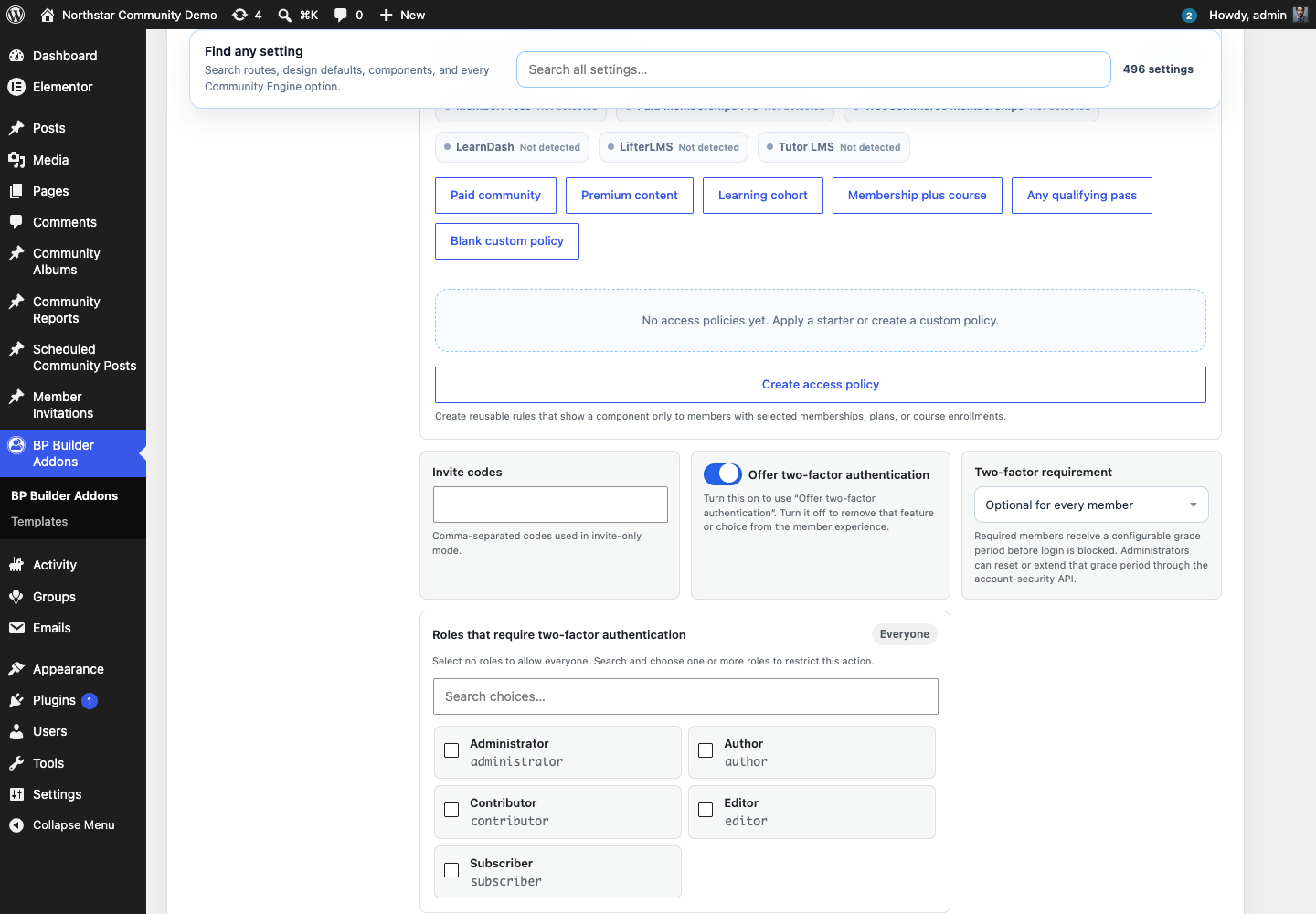
- Optional or required for everyone
- Required by WordPress role
- Required by BuddyPress or BuddyBoss member type
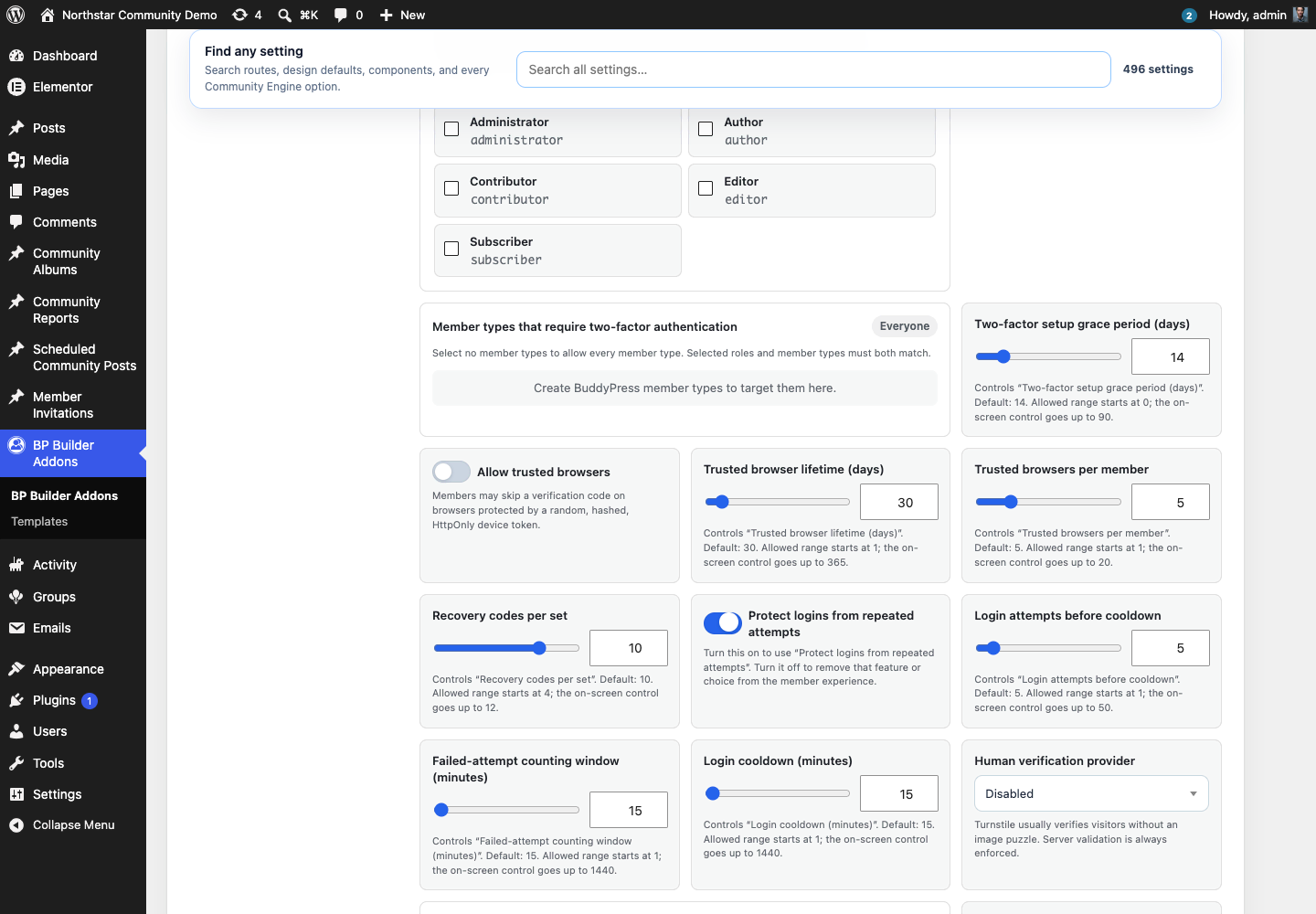
- Zero-to-ninety-day setup grace period
- Configurable recovery-code count
- Trusted-browser lifetime and device limit
Authenticated secret storage
Authenticator secrets use AES-256-GCM with a random nonce, authentication tag, purpose and multisite binding, key identifiers, legacy migration, and current/previous key rotation. A credential that cannot be authenticated is not used.
- WordPress salt-derived default key
- Optional independent production key
- Previous-key fallback during rotation
- Automatic resealing with the current key
Member security center
Members see their remaining recovery-code count and safe trusted-browser descriptors. Password-confirmed regeneration invalidates every older recovery code. Each browser or every browser can be revoked without exposing the stored validator hash.
Administrator recovery
An administrator can restart a setup grace period or reset enrollment from the standard WordPress user profile or the privileged REST action. Reset removes encrypted TOTP and passkey records, recovery hashes, trusted devices, and grace state.
Privacy and audit
The latest fifty security events omit passwords, TOTP secrets, passkey responses, recovery codes, and trusted-browser validators. Personal-data export includes redacted event history plus safe passkey and browser dates; erasure and uninstall remove every security record.
WebAuthn passkeys and security keys
Members can add discoverable passkeys and compatible security keys after confirming their current password. Registration and login use account-bound, purpose-bound, five-minute one-time ceremonies. The server verifies the challenge, exact origin, relying-party hash, user presence, configured PIN or biometric verification, credential ownership, asymmetric signature, and signature counter.
- Platform, synchronized, hybrid, and compatible hardware credentials
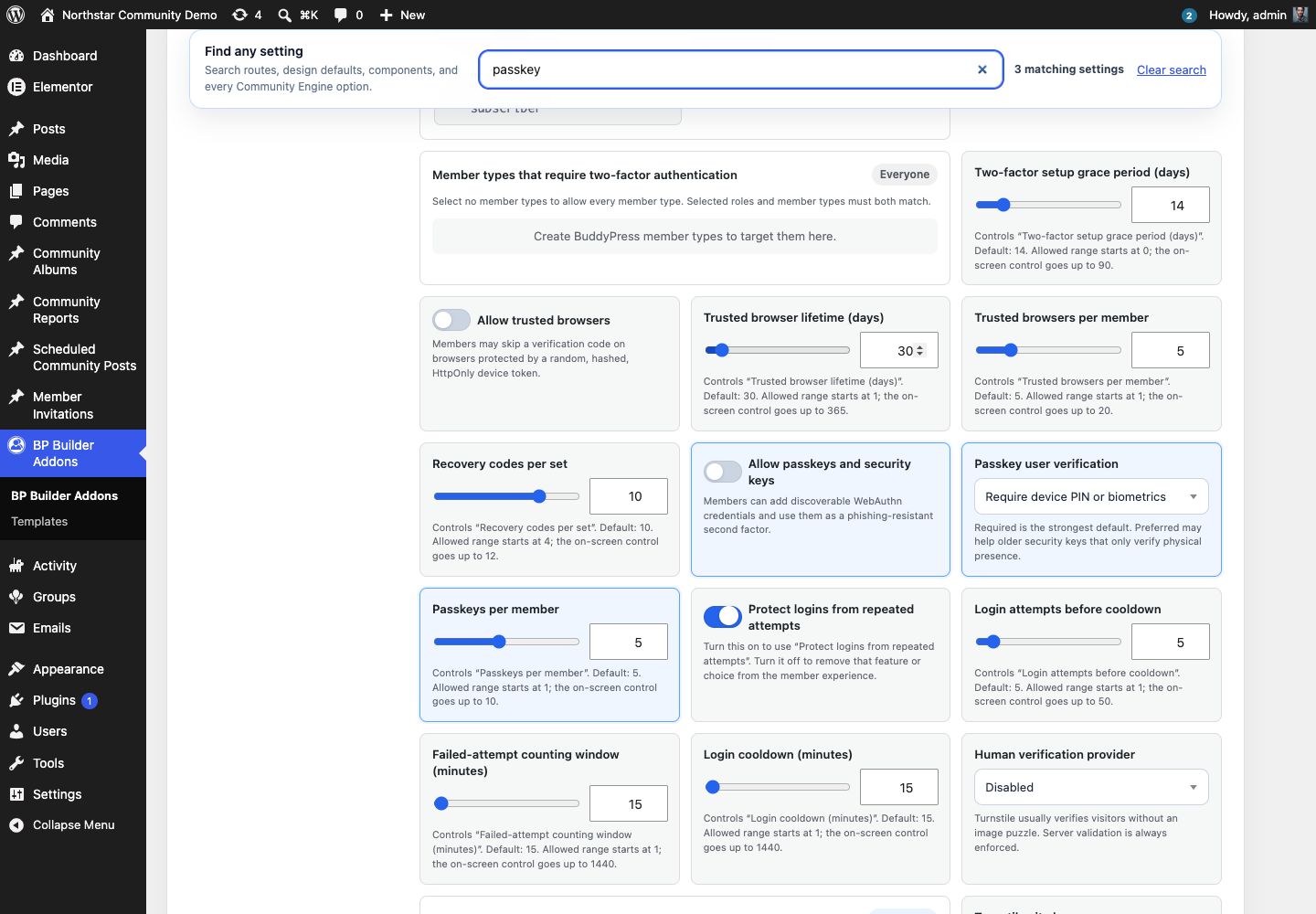
- Required or preferred device verification
- One to ten passkeys per member
- Sealed credential records with no private key or biometric data
- Password plus passkey on the native WordPress login flow
- Per-passkey password-confirmed revocation