
Requirements
- WordPress 6.8 or newer
- PHP 8.1 or newer
- BuddyPress 12 or newer, or BuddyBoss Platform
- A supported builder: Elementor, Gutenberg, Divi, or any builder that can render shortcodes
Installation
- Upload the release ZIP under Plugins → Add New → Upload Plugin.
- Activate BuddyPress or BuddyBoss first, then activate BP Builder Addons.
- Open BP Builder Addons and enter the license key.
- Confirm all required components are available in the diagnostics screen.
- Choose a blueprint or keep the balanced defaults.
Safe first test
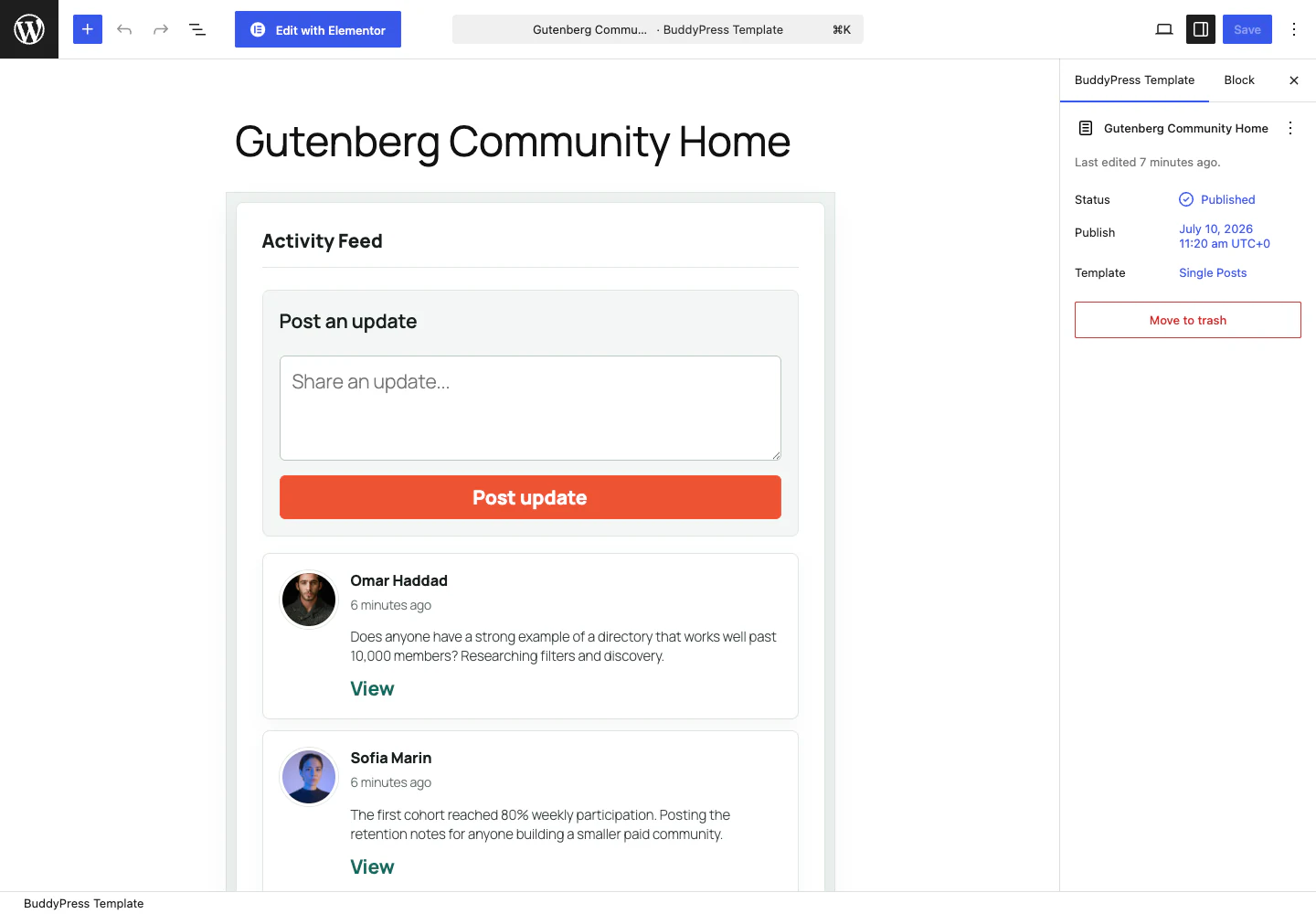
Create an unpublished template and place a Members Directory plus Activity Feed. Preview as an administrator first. Map a production route only after guest and member privacy checks pass.