
Start with displayed-member context
BuddyPress distinguishes the member being viewed from the member who is signed in. A visitor can view another person's profile while the navigation, friendship state and available actions change according to both identities. A correct Elementor widget reads that context instead of assuming the current WordPress user is the profile owner.
BP Builder Addons resolves the active BuddyPress route before rendering each widget. The profile design can therefore stay consistent across members while names, fields, media, activity and permissions remain dynamic.
Profile architecture
Design these six layers together
- Identity: avatar, cover image, display name and profile fields
- Navigation: activity, profile, friends, groups, messages, notifications and settings
- Context: the displayed member can differ from the logged-in member
- Permissions: private controls appear only for the correct user
- States: logged out, empty results, pending requests and inaccessible content
- Responsive behavior: navigation and actions remain usable on narrow screens
Build the public profile shell
Create one member profile template, then place profile identity and navigation widgets inside a stable Elementor layout. Use normal Elementor containers for spacing, responsive tracks and surrounding brand elements. Keep the BuddyPress content region wide enough for activity threads, member lists and account forms.
Avoid hard-coding a member ID into the template. The widget should receive the displayed member from the route. This lets the same template serve every URL and keeps profile links, friendship actions and navigation aligned with BuddyPress.
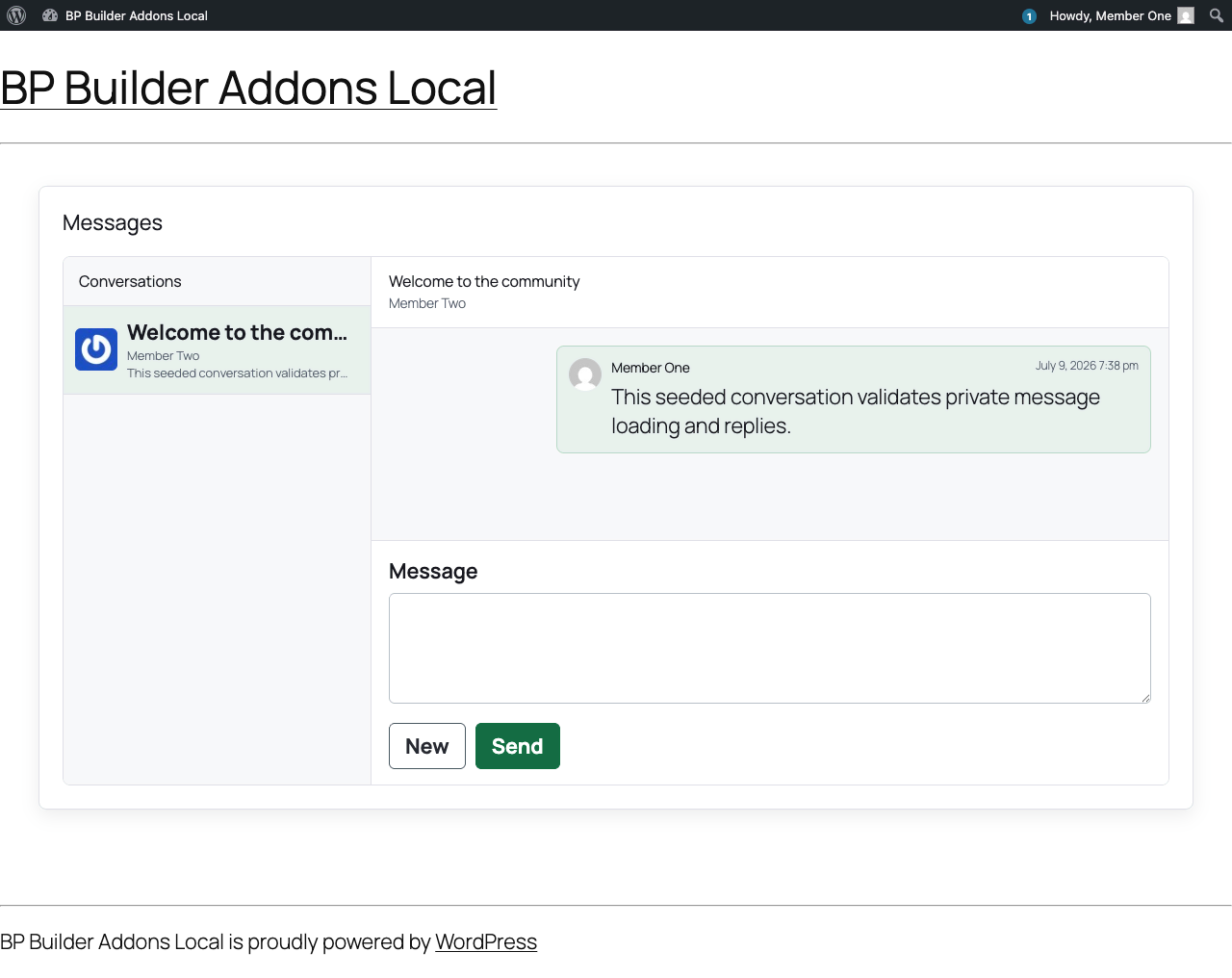
Treat messages, notifications and settings as private application screens
Styling a private screen does not secure it. The server must verify thread membership before returning messages, verify notification ownership before marking an item read, and require the current password for sensitive account changes. Controls should disappear when the logged-in member lacks permission, but the REST endpoint must repeat the authorization check.
BP Builder Addons includes permission-checked actions for messages, notifications, account fields, avatars and covers. Updates stay inside BuddyPress and WordPress rather than a second social database.
Use realtime as delivery, not authority
Instant message and notification refreshes improve the member experience, but a WebSocket connection should not decide who can read a thread or mutate an account. BP Builder Addons offers an optional self-hosted realtime companion for targeted events. The underlying action still runs through the authenticated WordPress REST API, and the screen continues to work if realtime is offline.
Test more than the administrator view
Create at least two normal members and one group. Test each profile as the owner, another signed-in member and a signed-out visitor. Verify friendship requests, empty activity, private messages, unread notifications, invalid uploads, password checks and mobile navigation. An attractive editor preview is not proof that the dynamic profile is correct.
For the wider route workflow, read how to customize BuddyPress pages with Elementor.
Member profile questions
Can one Elementor template work for every BuddyPress member?
Yes. A route-aware template reads the displayed member from BuddyPress context, so one design renders the correct avatar, profile fields, activity and navigation for each member URL.
How do private messages stay private in an Elementor layout?
The visual template does not grant access. Message reads and replies must verify that the logged-in member belongs to the requested thread before BuddyPress returns or changes data.
Can members upload avatars and cover images?
Yes. BP Builder Addons uses BuddyPress account media APIs, checks ownership, verifies image types and limits uploads to 5 MB.
Does a custom profile break BuddyPress plugins?
The safest design keeps BuddyPress as the data and permission layer. Compatibility still depends on what a third-party extension adds, so extension-specific screens should be tested before launch.